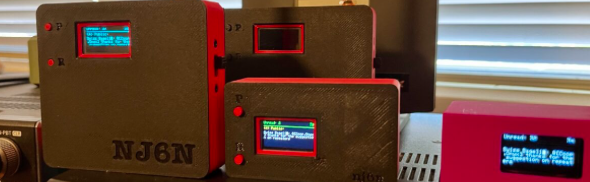
MeshCore is a secure/encrypted off-grid communication system that uses the LoRa Long Range Chirp Spread Spectrum (CSS) modulation technology.
You may have already heard about MeshTastic that also uses LoRa. An important difference between MeshCore and MeshTastic is that user nodes (companion nodes) do not repeat messages from other users. Repeaters are nodes that are tasked with repeating messages. This helps to mitigate congestion caused by every node repeating every message. Repeaters can be placed where they are known to be needed and more can be added without any central configuration or coordination.
Visit meshcore.io for more information about MeshCore. For more information about MeshCore in Southern California, visit: https://www.wcmesh.com
I had already built nodes for Meshtastic. I reflashed one of my nodes with the latest MeshCore firmware, installed the app, paired the device to my phone and… I didn’t see anything, zero traffic! It turns out that in our area, Southern California, all of the activity is on a different frequency than the “standard” frequency (910.525 MHz) for USA/Canada. In Southern California, we use 927.875 MHz.
The other parameters you will need to know are the Spreading Factor (how long a data symbol is spread over time) and the Coding Rate (how much forward error correction is added to the payload). In Southern California we use a Spreading Factor of 7 and a coding rate of 5. Bandwidth the frequency range that a LoRa radio signal sweeps across and should be set to 62.5kHz.
The hardware required to get started with MeshCore is inexpensive and readily available. For example, a Heltec v4 ESP32 SoC based board is around $30. You can buy or 3D print an enclosure with or without a battery for portable use. You can also buy fully pre-built companion nodes, but where’s the fun in that ?!
Your “companion node” (e.g. a Heltec V4 board) is flashed with the MeshCore firmware, configured, and then used by a MeshCore companion application on Android, IOS, MacOS, Windows, Linux to communicate through the system. Flashing can be done using a compatible web browser such as Chrome. You need to make sure to use a proper USB cable that’s not just for charging only.
Nodes with integrated GPS’ can send their current positions or enter fixed positions. A map page shows you where all of the users and repeaters (that share their position) are located.
On MeshCore, there are Public, Private, and HashTag channels. Public, as the name implies allows everyone to see everything. That’s also true on hashtag channels. With Private channels, all communication is encrypted. Keys for the private channel must be shared outside of MeshCore. The Public channel is configured into the companion application by default. A list of public channels can be found here: https://wiki.wcmesh.com/public-channels/
When you send a message, you should see an indication of how many times your message was repeated. If you don’t, that message likely wasn’t repeated. It could still have been heard by other companion nodes, directly.
Short messages of 160 characters or less can be sent to other users from the Contacts tab directly or via hash-tag channels (e.g. #public). Sending to another node requires that their contact information (including their public encryption key) is in your list of contacts.
Adding the hashtag channel #test enables you to test your node by sending “T” for “Test” or “P” for “Path”. An automated response from a specially configured node will reply with information about what path the message took, number of hops, and duration. There not always automated “meshbot” nodes online, so you may not get a response in some cases.
Room Servers allow multiple people to communicate through a shared node. The Room Server stores the conversation so you can check in later to catch up on what has been said previously. Creating a Room Server node is done through the same process of flashing a companion node by selecting the Room Server firmware.
All nodes typically transmit with an RF output power between 21dBm (125mW) and 30dBm (1 watt).
| Manufacturer | Description | Web Site(s) |
| Heltec | boards, companion nodes | heltec.org |
| RokLand | boards, companion nodes | Rokland |
| Lilygo | boards, companion nodes, IoT | LilyGo.cc |
| Board Name | Notes | URL |
| Heltec V4 | 28dBM 631mW Node w/Display – GPS Optional | https://heltec.org/project/wifi-lora-32-v4/ |
| Heltec T096 | 28dBM 631mW Node with integrated GPS (nRF, lower power consumption) | https://heltec.org/project/t096/ |
| Heltec Tracker V2 | https://heltec.org/project/wireless-tracker-v2/ (ESP32, higher power consumption) | https://heltec.org/project/wireless-tracker-v2/ |
| Rokland WisMesh Starter Kit | High RF output (30dBM/1Watt) with Low Power nRF CPU. GPS and environmental sensors Optional | https://store.rakwireless.com/products/meshtastic-1w-lora-booster-kit-rak3401 |
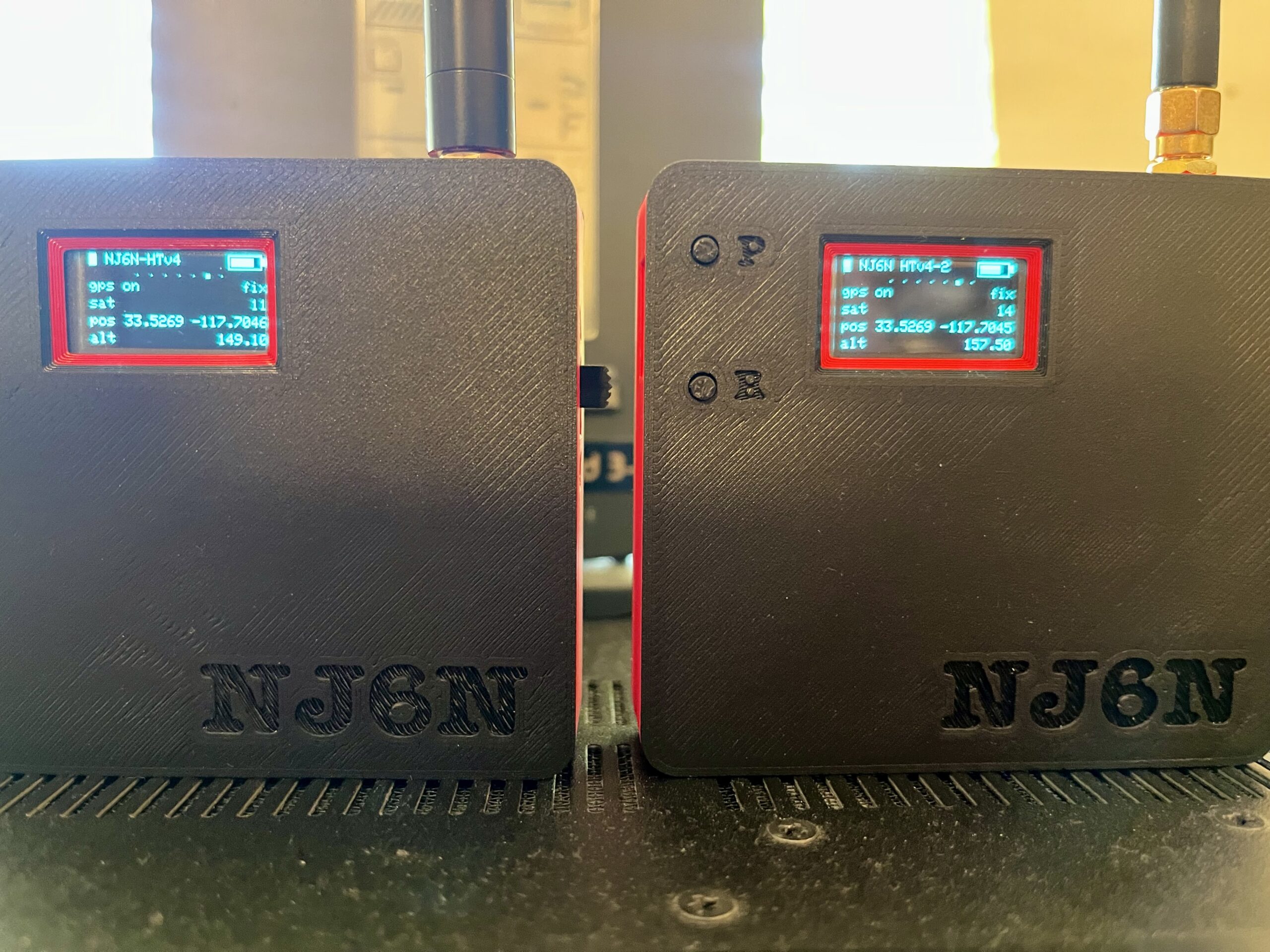
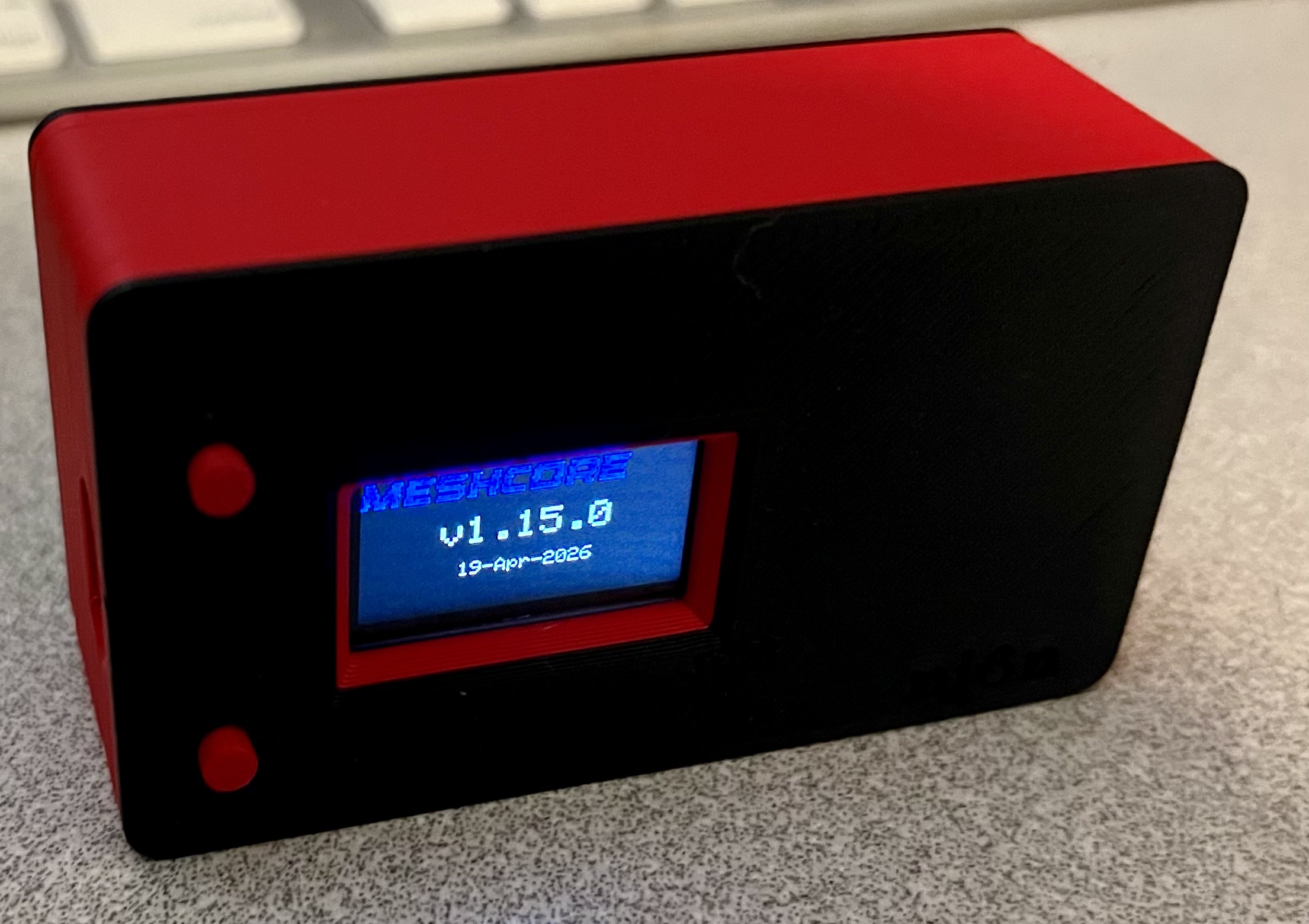
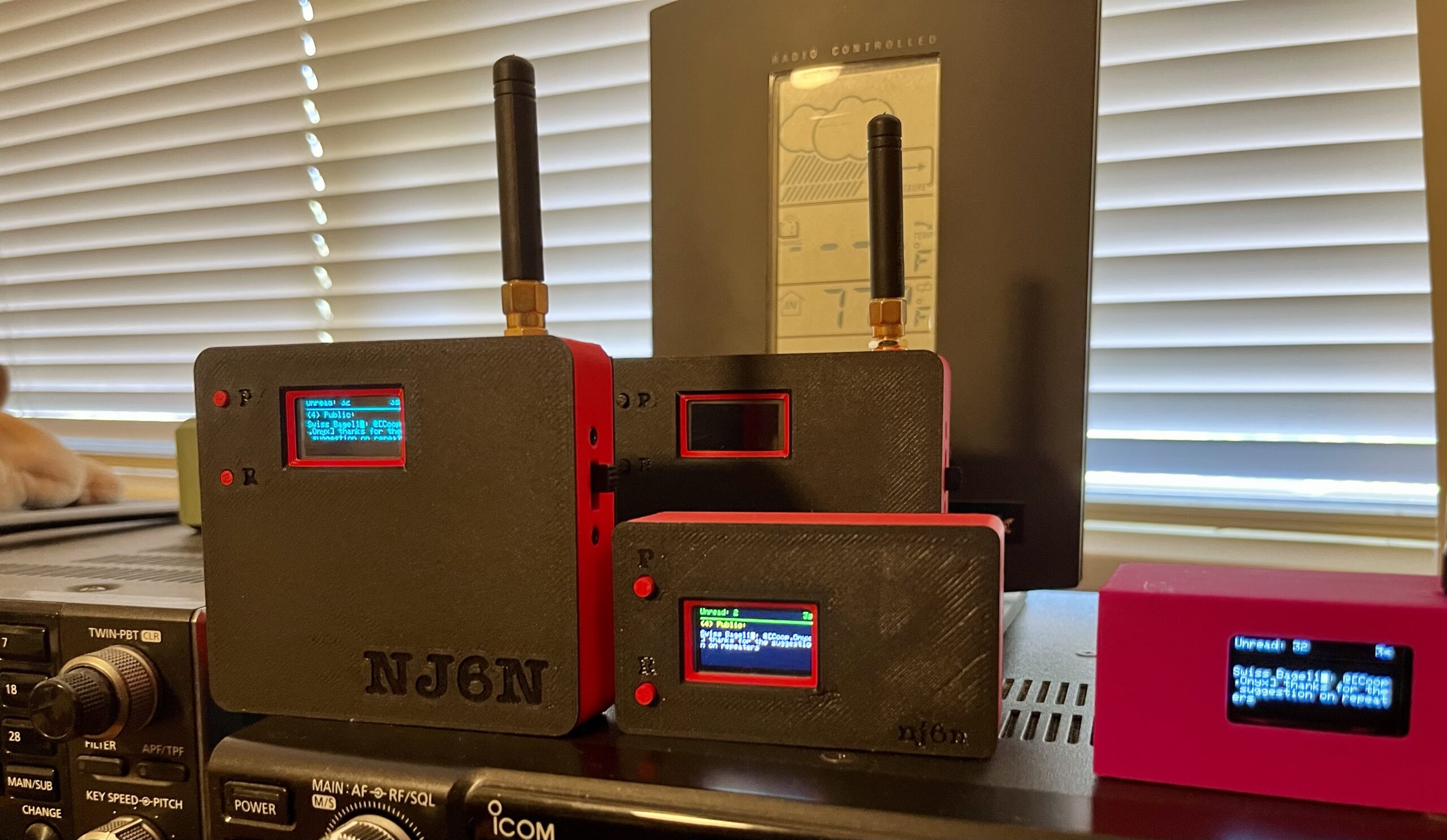
Here are some of the nodes that I have designed cases for. The 3D printing STL files are available on my Thingiverse page.
Other Useful Links
https://waev.app/#/live-map/@33.66625,-117.81219,6.47z (Network Analyzer Tool)
Live Map (Live Map, Southern California)
Leave a Reply